
iOS app not loading properly since update
-
Hello,
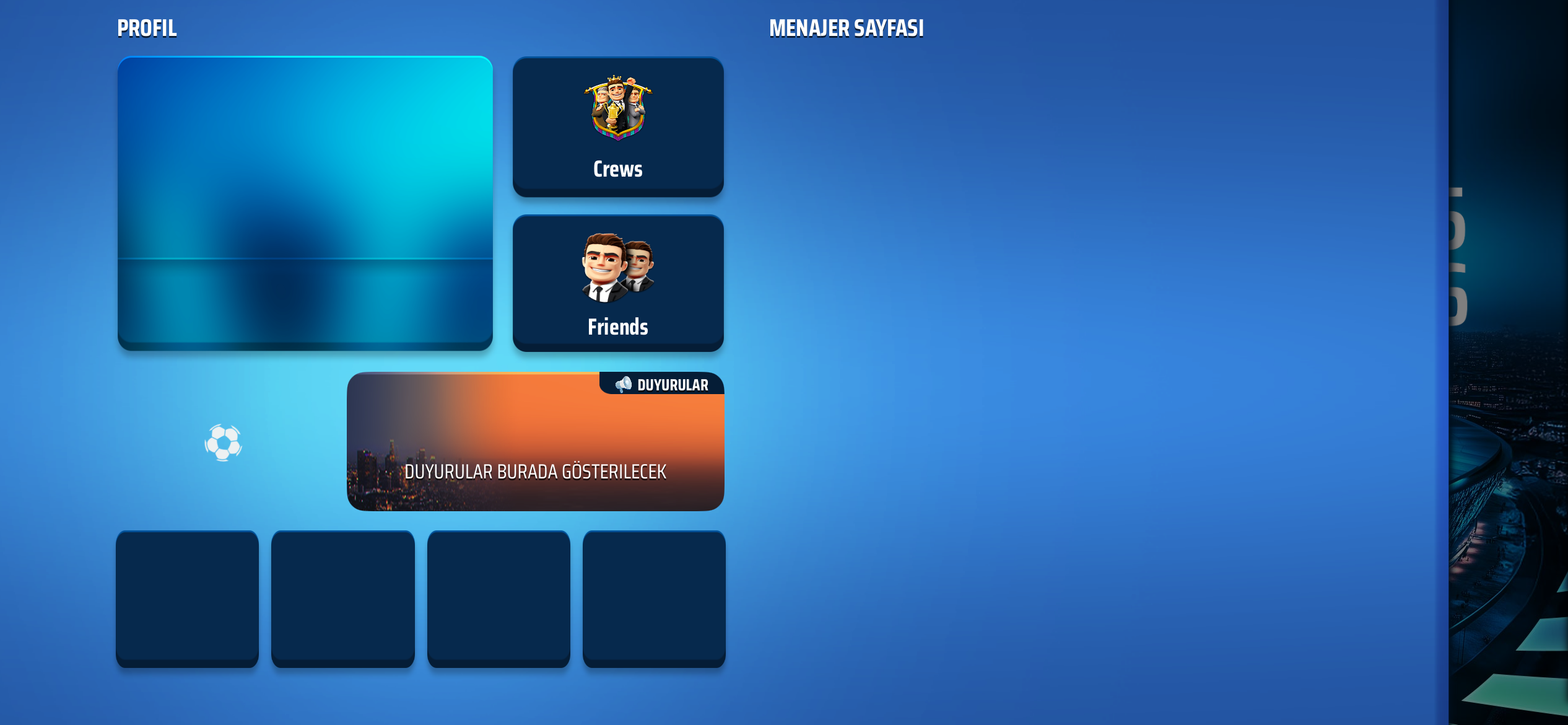
My app was updated a few hours ago and I haven’t been able to open it since. The main menu doesn’t fully load and the buttons that do show up, don’t work. None of my teams are showing up, that side of the screen is just a blank blue.
I have tried deleting and reinstalling the app. I’m on ios 18 with iPhone 12.
-
Dear OSM Support Team,
Ever since this silly update of Version 4.14.10, everything has become so slow. To load up the main screen, usually it takes 3 seconds, now it takes 1 min. This is ridiculous.
I thought Version 4.14.11 is going to improve things, but no, it gets much worse. We can't see referee strictness level now, and when we go fixtures, every referee is indicated with red strictness with no referee name.Things are good as per Version 4.14.9, but OSM just got to come out with some updates to make the user experience worse without ever doing a test before rolling out to production.
Platform: iOS
OSM App Version: Version 4.14.11
Phone: iPhone 15 Pro Max
iOS Version: iOS 18.7.1Please help check and rectify the issues and bugs. Appreciate.
-
@FC-Eddie_NL seems like there is some kind of BIG BIG issue going on after the latest update.
Ps, I haven’t checked because I haven’t used the app in a while. -
Even after deleting and reinstalling the game, the game screen remains stuck like this. I need help.
-
I will put everthing related to the issues with the latest update on iOS in this topic. Can you all help out with providing some screenshots and any other issues you encounter since that last update (4.14.11)?
-
On the iPhone I simultaneously get the option to update the stadium and a pop up saying I am expanding it.
Hi there,
Do you still have this issue? If so, what happens if you activate the stadium upgrade on the webversion of OSM. Does the problem then stil persists on the app after that?
-
I will put everthing related to the issues with the latest update on iOS in this topic. Can you all help out with providing some screenshots and any other issues you encounter since that last update (4.14.11)?
@FC-Eddie_NL
It looks like my screenshot did not properly embed but I can see it when I tap the question mark.
omerzinho’s post seems to show the exact same issue and his screenshot is exactly what is going on for me as well. -
So I noticed yesterday that it was progressing normally on the web version. The problem was only on the iPhone. This morning I was able to restart the stadium upgrade, I guess associated with the end of matches. But subsequently the same problem has occurred. So I can’t watch ads on the stadium to progress it.
-
A few issues on my iOS app just with the last update:
- Stadium progression doesn’t show correctly.
- Can’t see the referee
- Super slow to load
-
Since the last update I've had the same problem on iPhone and the referee's strictness level is no longer displayed.
-
Thanks everyone. I will add the stadium issue to the report
-
Seems like the devs are already aware of the issues. A new version of the OSM app on iOS has been forwarded to Apple for approvement. That new version should fix the issues with the stadium and referee.
-
New version is already live for a few days. Issues with stadium and referee has been fixed. I haven't heard anything about the app being slow from the admins. If that is still a thing you could try taking the following steps.
- Remove all app data
- Remove the OSM app
- Turn off your phone completely and power it back on
- Install the OSM app again.
-
I will close this topic now
-
 F FC Eddie_NL locked this topic on


